 Search Tips
Managed Documents - Creating and Revising
To create a new Managed Document, click the 'New' button from the Managed documents list.
To create a Revision of an Existing Document, first select the document to be revised and then select the 'New Revision' button. A copy of the existing Document Record will be created and opened with the revision number incremented. When a new revision is added the previous revision is flagged as inactive and so disappears from the list.
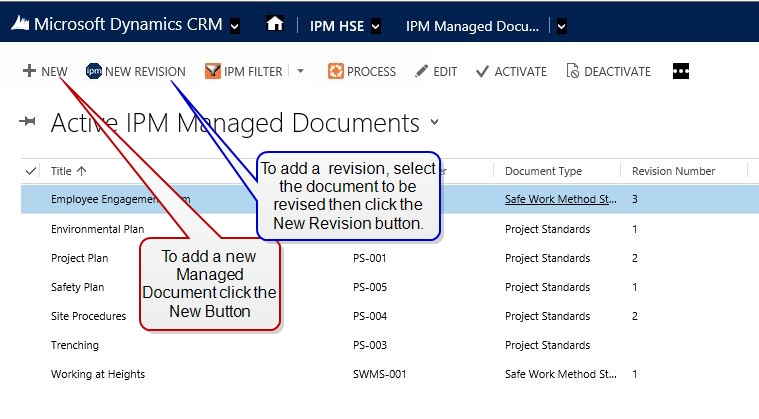
Creating Managed Documents and adding revisions can be seen in the attached animation.